Case Study
cPanel Store & License Management
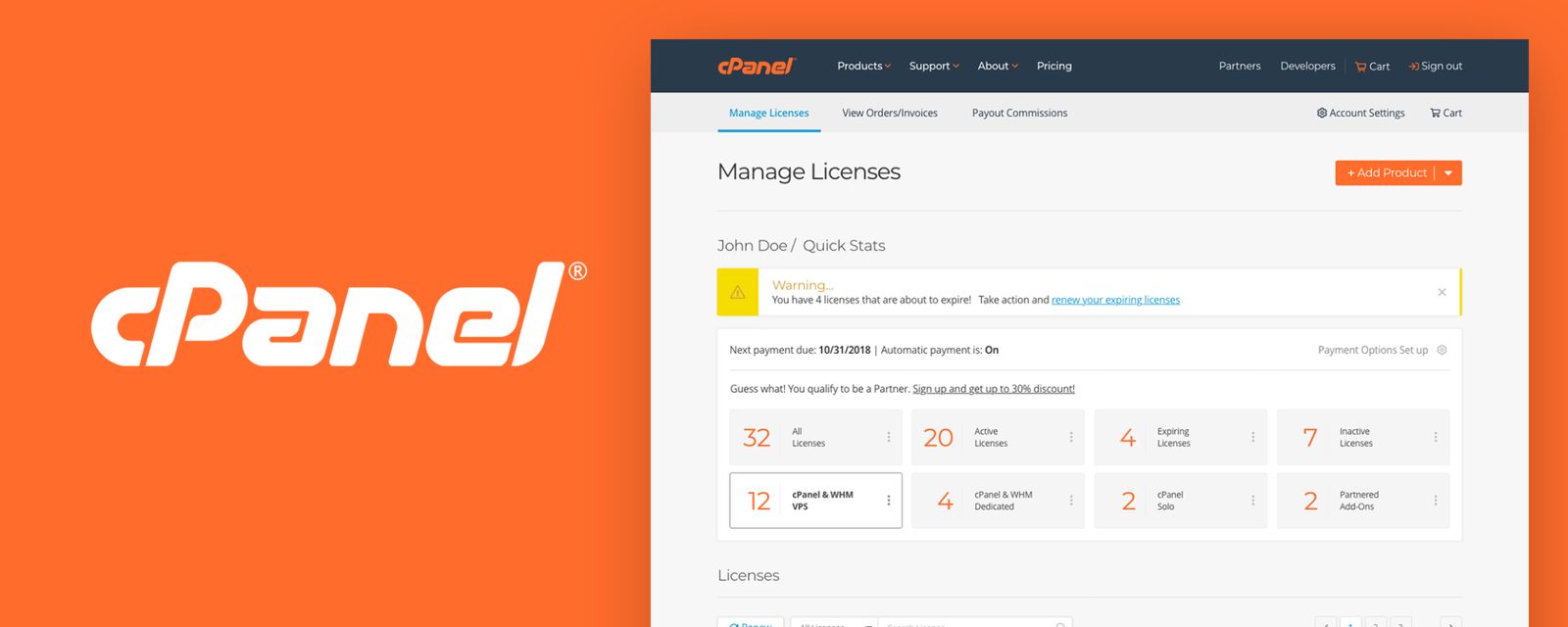
I designed and optimized the cPanel Store buying process and upselling offers to extend cPanel & WHM capabilities, and improved license management after purchase.
Situation
The cPanel Store is a place to purchase cPanel & WHM licenses and additional services directly, without going through partners. The objectives were to increase cPanel & WHM sales, find ways to upsell tools that extend the cPanel & WHM platform, and streamline license management.
I worked in the marketing department, where I built strategies, executed all user research and testing, and diagrammed the sitemap, user flow, wireframe, interactive prototype, and design direction. I also coordinated, collaborated, and provided recommendations to the internal development team, ensuring a unified and consistent experience.
The goal: find the pain points in buying, upselling, purchase time, and license management.

Research Process
The research phase was about understanding the constraints in the current store. I collected, analyzed, and formulated plans to discover behavior patterns that impact the buying experience. Data collection such as monitoring task time, success and failure rates, complexity ratings, and error and observation notes gave me a benchmark to evaluate, explore a solution, and validate the user's goals.

User Testing
User testing gathers quantitative and qualitative data and helps identify needs, desires, confusion, struggles, and anomalies we may overlook. Collecting evidence let us support recommendations, mitigate the risk of design changes, and measure return on investment against future iterations. I devised a plan and developed 10 scenarios with 10 tasks to test the current and newly redesigned store if time permitted, then conducted 20 user tests with internal executives and employees to identify common issues.
There were three reasons for this approach. First, performing user tests in public was not something we were allowed to do, and the test data was not to be shared. Second, it educated executives and employees on the value of user testing. Third, it demonstrated the process by focusing on the end user's journey and objectives when purchasing products. Showing the methods of testing users' thought processes and interactions was a highlight that employees found invaluable. They saw the possibilities and benefits of testing product viability and optimizing the user experience.
Planned and developed 10 scenarios with 10 tasks and conducted 20 user tests.
Scenarios, each scenario contained a task
People participated in user tests
Executive Managers & Product Owners
Hours of videos recorded
Discovery & Findings
In testing, each user sat in a controlled environment with a computer starting from the cPanel main website, along with an instructional paper. Video recording took place before scenarios and tasks were read aloud. As users read and performed the tasks, confusion, inefficiency, pain points, and opportunities for improvement were revealed immediately. The main takeaway: users could not reach the store or manage licenses from the corporate site. That gap was fixed immediately. Once they reached a product page, the license types (Solo, VPS, or Dedicated) were confusing and frustrating to choose from based on the user's requirements. Another discovery: users did not understand that IP addresses were associated with the number of licenses to buy.
One of the user test scenarios & tasks
- Scenario: You have a server set up at home and need software that allows for server management for several clients. You discovered a solution that fits your needs.
- Task: Buy a monthly cPanel & WHM license that allows you to sell web hosting and manage sites for at least 5 user accounts.
Average time
Task pass
Difficulty rating
Design Process
The next phase was where I hypothesized and explored practical solutions using the previous data. I collaborated with a content writer, marketers, and the product owner to gather content, kick off a low-fidelity wireframe, and structure the user journey from the entry point of the website to the end of purchasing and managing cPanel & WHM licenses.

Redesigning the Buying & License Management Flow
I developed a new wireframe to address the confusion and common issues discovered in the research phase. I added functionality and features to streamline the experience and increase business opportunities, such as placing add-ons on the product page to extend platform capabilities and adding UI elements that let users include additional products without leaving the store. Other helpful additions were status and progress notifications, the ability to set the number of licenses tied to an IP address, purchase verifications, and visual cues to guide users toward their objectives.

UI Design Concept
The final deliverable was to enhance the overall user interface and interaction, and finalize the design using the cPanel brand and style guide within the store and license management pages. The design shows what is possible on the page, such as adding, deleting, configuring and editing, renewing, and cloning a product, add-on, or service. I provided multiple visual cues for users to identify what action is possible and showed the status of their current situation.


Conclusion
Increase in traffic after adding a navigation path from the home page to the store.
Increase in sales in the first month after the fix.
Performing user research revealed findings that let us rectify issues immediately, strategize, explore potential solutions, and validate assumptions. When we first discovered the disconnect between the home page and the store, we added a navigation button to connect the home page to the online store. We saw an increase of 30% in traffic, and sales were up by more than 5% in the first month. It was a defining moment of success that we took to heart when it came to user testing.
I also received recognition after sharing the analysis and user testing results with those who participated. A few people came for advice to learn about user testing methods for their team.
After handing off the final design to internal development, the leadership, product owners, and employees recognized the value of UX and UI improvement in the store. Unfortunately, I left for another opportunity before I could see the results in sales or whether the design changes had improved the online experience. I value user research early and often to ensure the best results we can rely on, without making guesses when building products.
Like what you see?
Let's talk